
01
Moments
A first step. An ordinary Sunday. The little things that become the big things.
ReMemyu for iPhone · Version 1.1
For everyday moments, funny words, little masterpieces and each new growth spurt. Private, personal and distraction-free.
A life is more than a photo album
A first step. An ordinary Sunday. The little things that become the big things.
The funny phrases you wish you could hear again. Write them down while they’re still fresh.
For memories that deserve more than a sentence. Told in your own words.
Big steps, gently remembered. Saved milestone suggestions are marked with a check.
First scribbles and colorful ideas. Photograph drawings or preserve them with the scanner.
Keep every little inch. Record height, dates and notes in a personal growth chart.
A photo and a voice recording can live together in one memory. Mark what matters most as a core moment.
New in version 1.1
Not more noise. Just more ways to hold onto what makes your story yours.
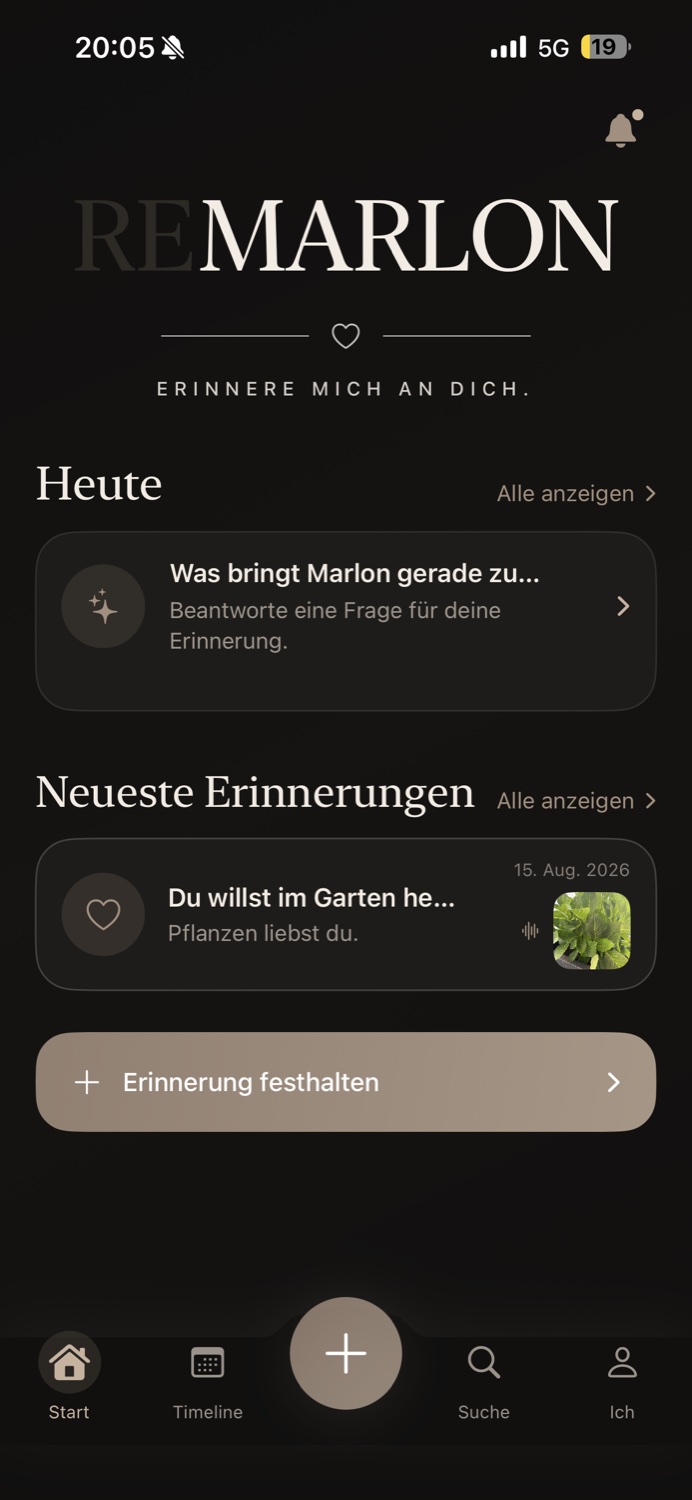
Each child has their own place. Now with an optional profile photo you can change or remove at any time.
Height, dates and little notes become a personal growth chart. Find measurements alongside memories in the timeline and search.
A record of your measurements, not a medical assessment. Height is entered in centimeters.Opt-in measuring reminders every one, three or six months. Checked-off milestone suggestions show what you’ve already captured.
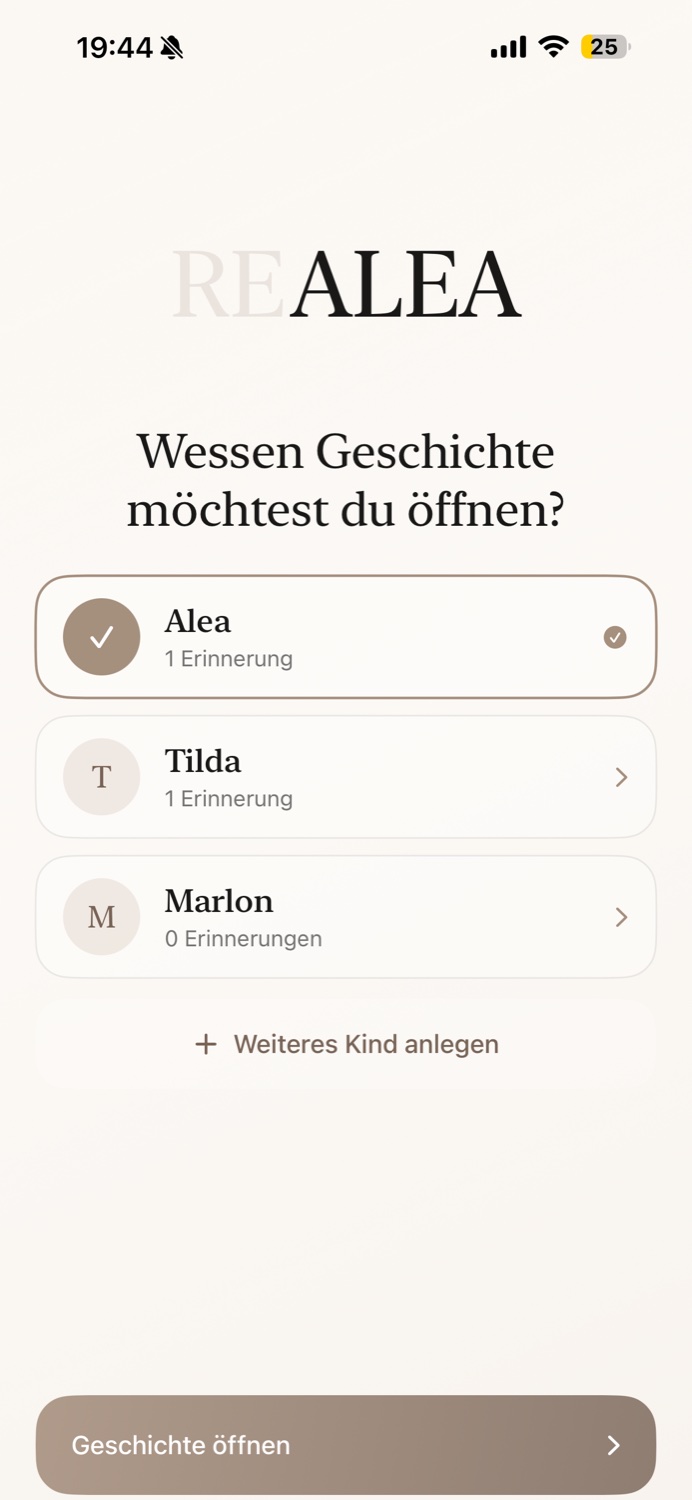
Each child. Their own story.
Multiple children, separate stories and personal names. Version 1.1 adds optional profile photos, too.
A memory, made into a keepsake
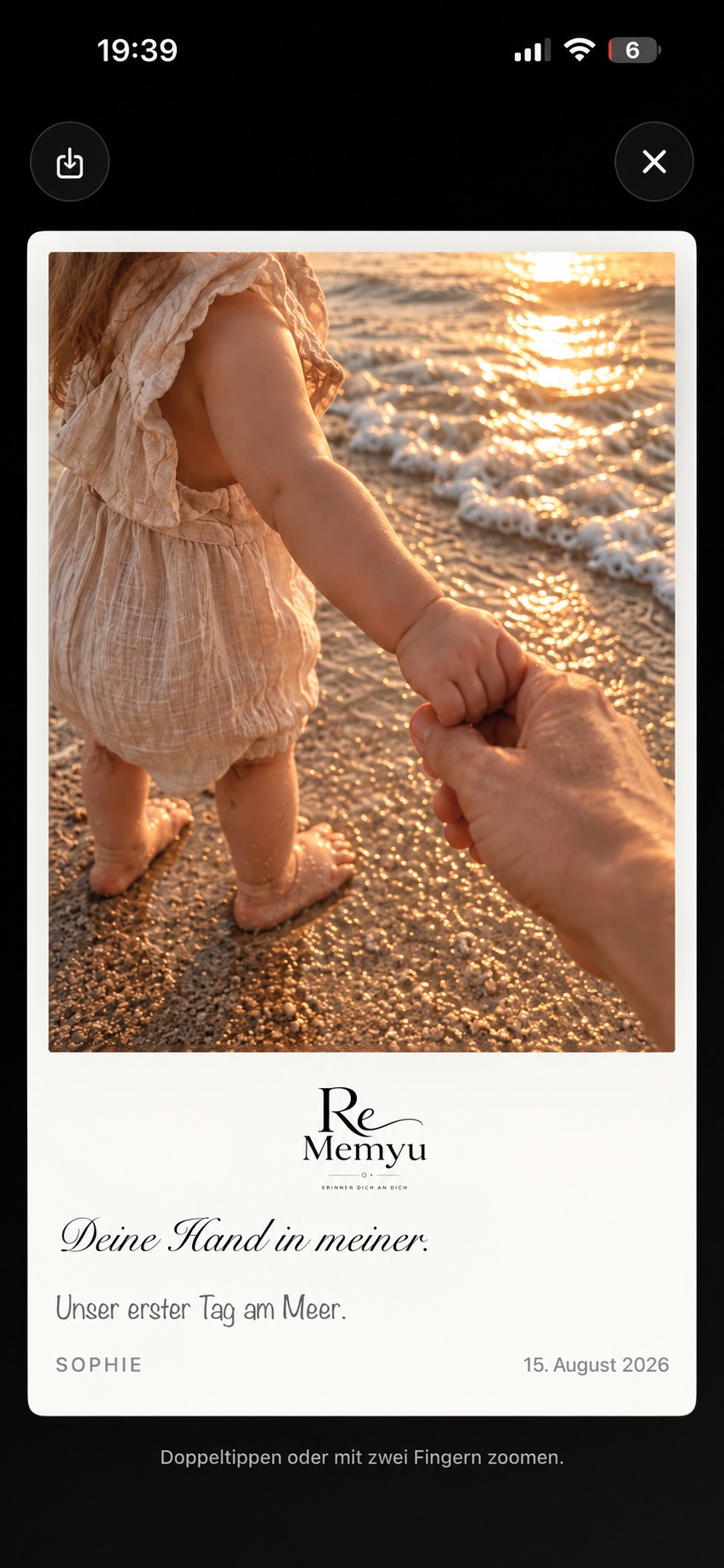
Your photo. Your words. A little piece of childhood as a designed Polaroid card — save it to Photos or choose to share it.
View your memory’s photo as a Polaroid.
Keep the entire photo or fill the photo area. With memory text or a simple photo-and-logo layout.
Your finished card is yours to keep. The original stays unchanged.
German app views with illustrative memory content. Version 1.1 also includes both photo modes.

Find it, don’t scroll forever
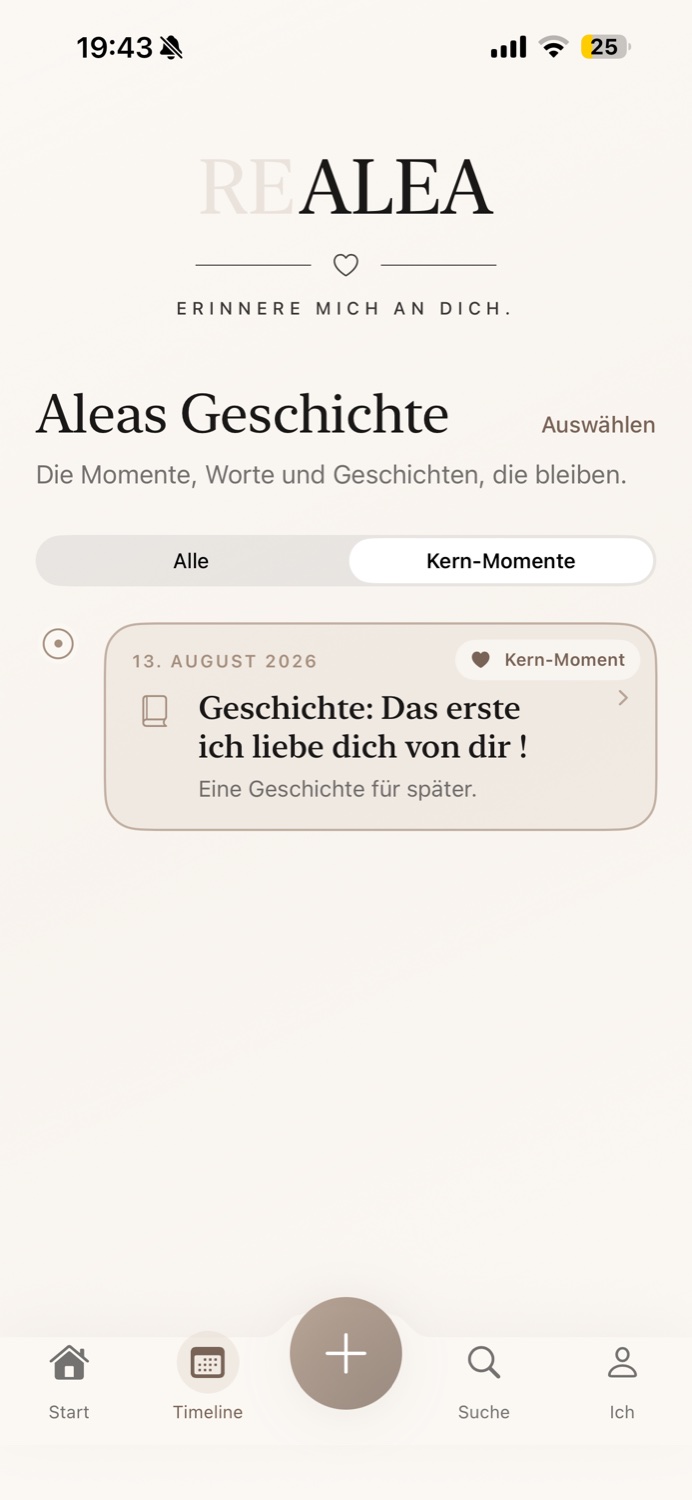
Memories and growth share one chronological story. Search for a word or filter by one of six categories.
Core moments bring your most treasured entries back quickly. A saved milestone suggestion opens the existing memory instead of starting a new one.
Backups matter
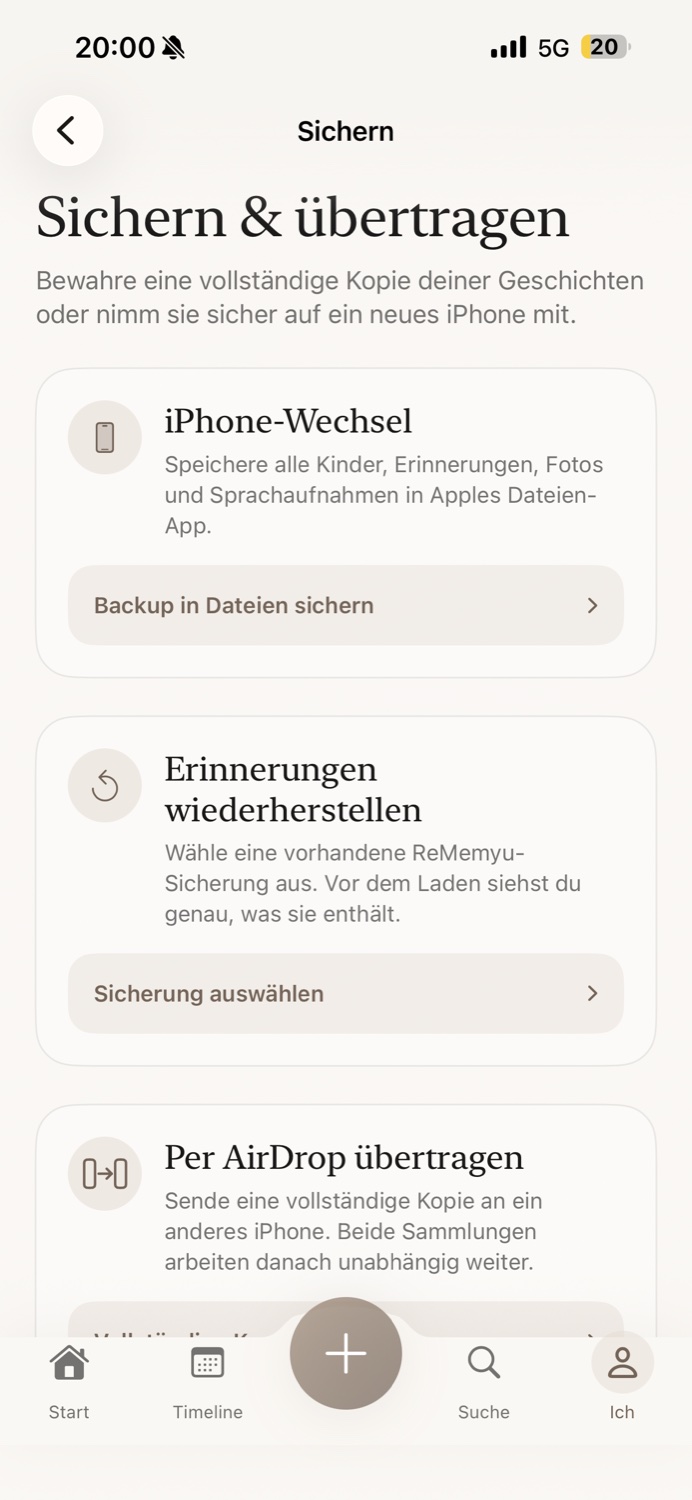
ReMemyu stores your content locally. That makes regular, complete backups an important part of keeping your memories safe.
Version 1.1 can read old 1.0 backups. Complete 1.1 backups cannot be restored in 1.0. Shared individual memory collections remain readable in 1.0, but do not include extra profile data or measurements.
Frequently asked questions
No ReMemyu account is required. Profiles, memories and measurements stay locally on your iPhone. Everyday memory features work offline. Downloading from the App Store and using external services you choose may require internet access.
No. ReMemyu is a one-time purchase with no subscription and no advertising. See the App Store for the current price and regional availability.
Optional profile photos, height measurements with a growth chart, and opt-in measuring reminders every one, three or six months. Also: six creation categories, growth in the timeline and search, checked-off milestone suggestions, new Polaroid photo modes and an expanded tutorial.
Open a memory’s photo in the Polaroid viewer and tap the save control to add the designed card to Photos. iOS asks for permission to add photos. You can also choose to share the card.
“Entire photo” is the default and keeps the whole image visible. “Fill photo area” fills a 4:5 area and may crop the edges. The original photo stays unchanged. Memory text or a photo-with-logo layout can be selected separately.
Create a complete .rememyu backup in the app and save it outside ReMemyu. Transfer the file to your new iPhone and restore it in ReMemyu. There is no automatic ReMemyu cloud sync. Make regular backups, especially before changing devices.
Yes. A memory can contain a photo and a voice recording together. You can add or change them independently.
You choose the memories and recipient. A shared memory collection is not a complete backup: extra profile photos, height measurements and measuring reminders are not included. Complete version 1.1 backups include those data.
No. It simply connects the measurements you enter. It does not provide a medical assessment or percentiles. Height is recorded in centimeters; ReMemyu is not a medical product.
ReMemyu is available for iPhone with iOS 17 or later. Choose German or English in the app’s “Me” area. The memories you write are never automatically translated.
Remember me, as I am.
A quiet home for your family’s story. For iPhone.
 One-time purchase · No subscription · iOS 17 or later